- AI with Kyle
- Posts
- AI with Kyle Daily Update 162


I keep seeing the same thing happen. Someone hears about vibe coding. They get excited. They open a tool. They try to build a marketplace, a SaaS platform, some massive business idea.
Five minutes later they're stuck. Ten minutes later they're frustrated. Fifteen minutes later they've quit and decided vibe coding doesn't work.
Stupid AI.
It does work. They just started wrong.
On the livestream I walked through exactly how to get started with vibe coding - properly. No complicated setup. No expensive tools. No trying to build the next Facebook on day one. Save that until day two eh?
Think of it like giving a kid a science kit. We don’t ask them to sequence a genome or build a rocket. Nah, we give them some stupid “grow a crystal on a paperclip” project instead. Remember those? So cool…
You're giving them a few fun little toy projects so they can get excited about the process and learn the basics. That's what we're doing here. Even though we are big serious adults.
The only thing you need: a Google account.
To get started let’s use Google AI Studio Build Mode. It's free. Zero local setup. No deployment headaches. No extra accounts. No credit card.
The catch is that it is a little bit of a pain to find!
Go to aistudio.google.com. Ignore the main interface - it's a nightmare of options. On the left hand side menu, click "Build."
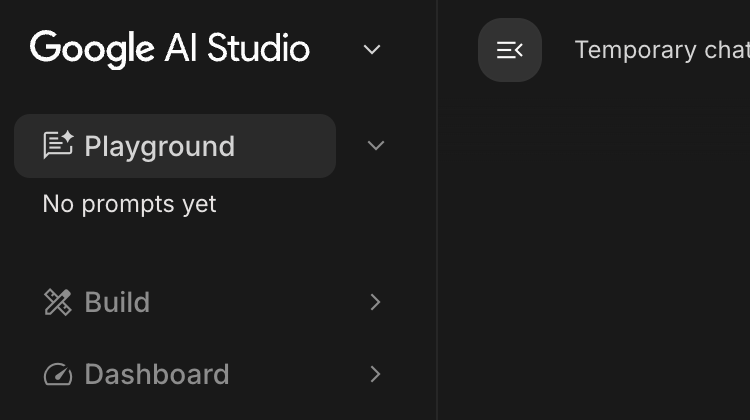
Click “Build” to find the vibe coding mode
That opens a completely different interface. Chat on the left. Preview on the right. It looks just like Lovable or one of the other (paid) vibe coding tools.
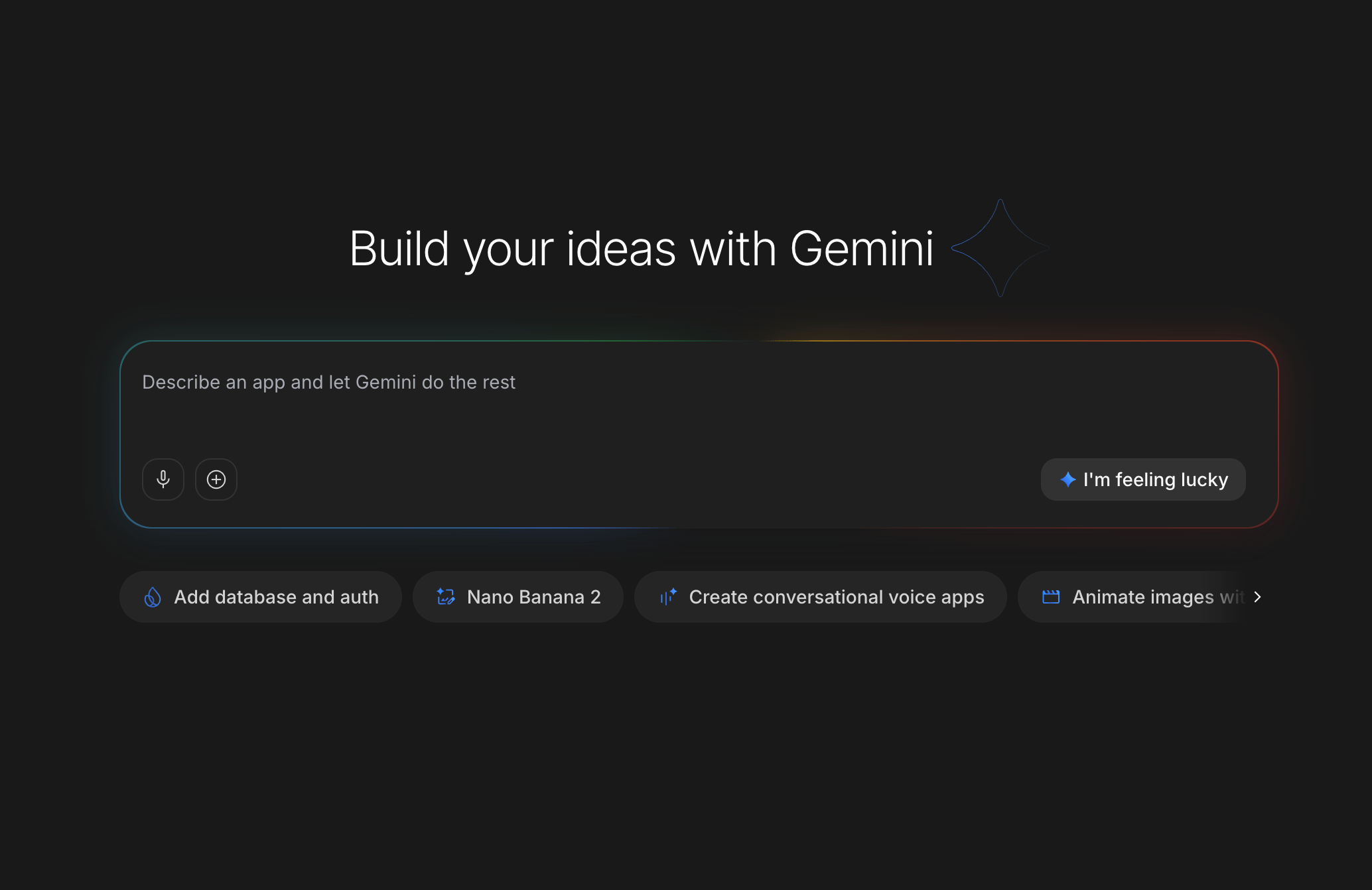
The preview pane is the killer feature. Without it, you'd have to download files, set up a local environment, mess around with terminals. Blargh. Don’t need all that noise - not to start anyway. Instead you type what you want on the left, see it instantly on the right, click around, test it, done.
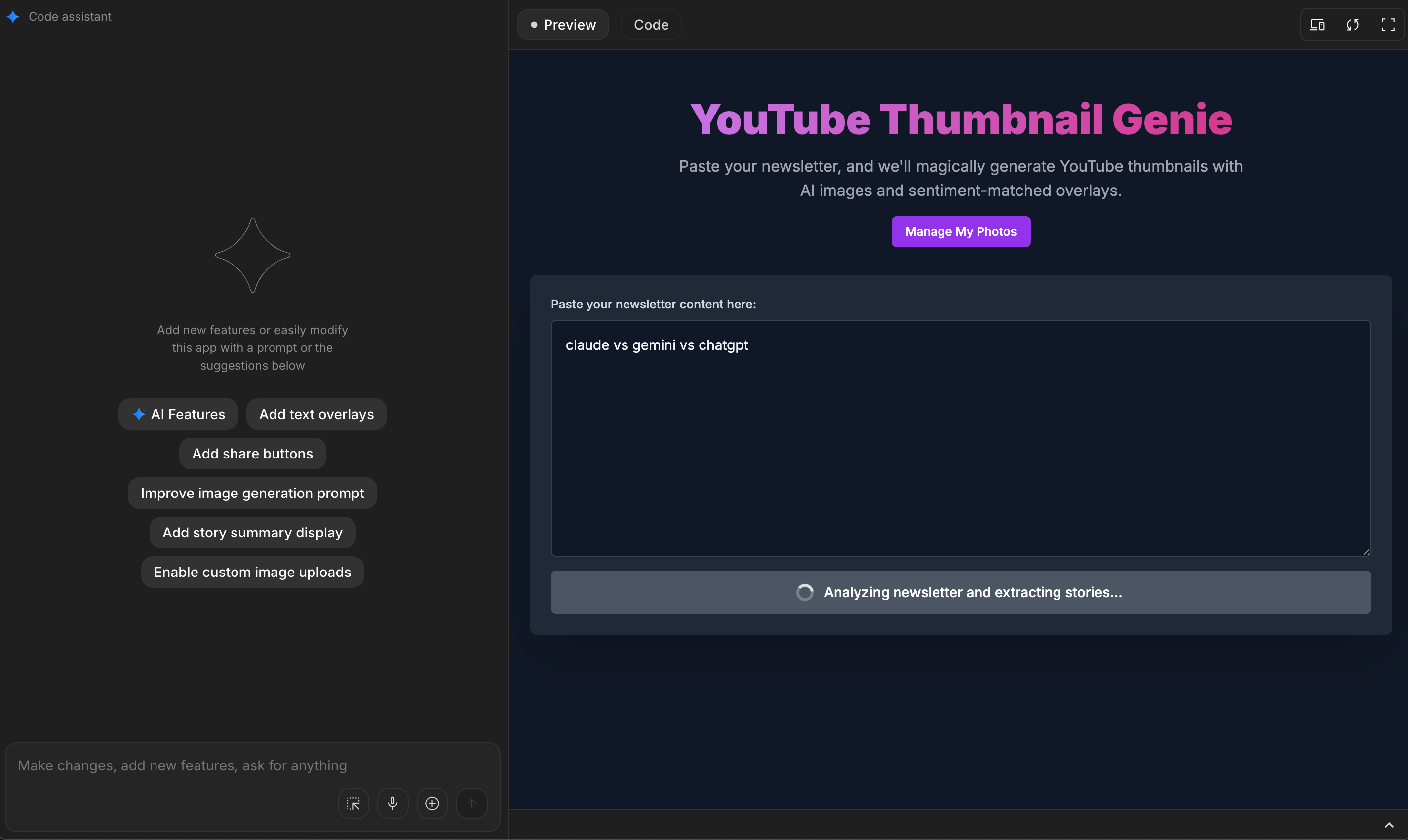
On the left is Chat, on the right is Preview. Nice!
So….how do you actually vibe code?
Just prompt it like you would ChatGPT. For instance “build me an app that helps me track my water intake over time”. That’s it for now. Don’t overcomplicate.
Remember what the co-creator of ChatGPT said:
Here’s the basic flow for vibe coding. It’s literally this simple:
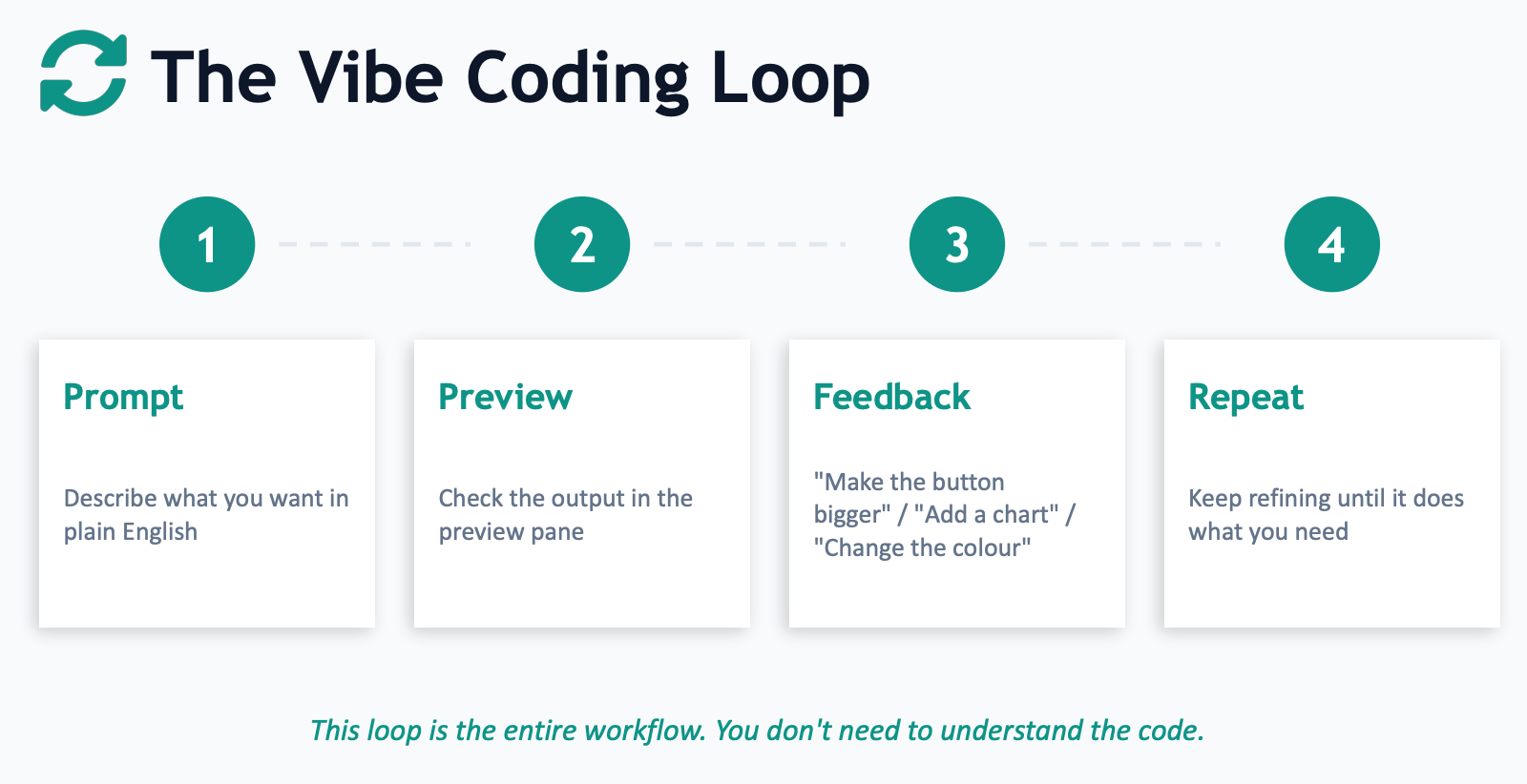
Prompt - describe what you want in plain English
Preview - check the output in the preview pane
Feedback - tell it what's broken or what could be better
Repeat - keep refining until it does what you need.
That's the entire workflow for now. You don't need to understand the code. The AI does.
When things break (and they will):
That's normal. Two options. Either copy the error message from the console log and paste it into chat. Or screenshot the thing that looks wrong, drag it into chat, and say "fix this." Both work. The AI diagnoses and corrects. You don't need to understand the error. You just need to show it what you are seeing and the tool will work out rest.
Go ahead now and actually do this. Go and build something. Again it’s at https://aistudio.google.com/ and totally free. This isn’t sponsored or promoted in any way. This is just the best low-friction way to start.
Next steps
So there’s obviously more we can do. Lots more. Once we’ve started though!
For your second project, try this. Open Claude (or ChatGPT, or Gemini). Say "interview me about the app I want to build." Answer its questions about features, users, goals. Then ask it to write you a full build plan. Copy that plan. Paste it into AI Studio Build Mode. Better plan in, better app out. Every time.
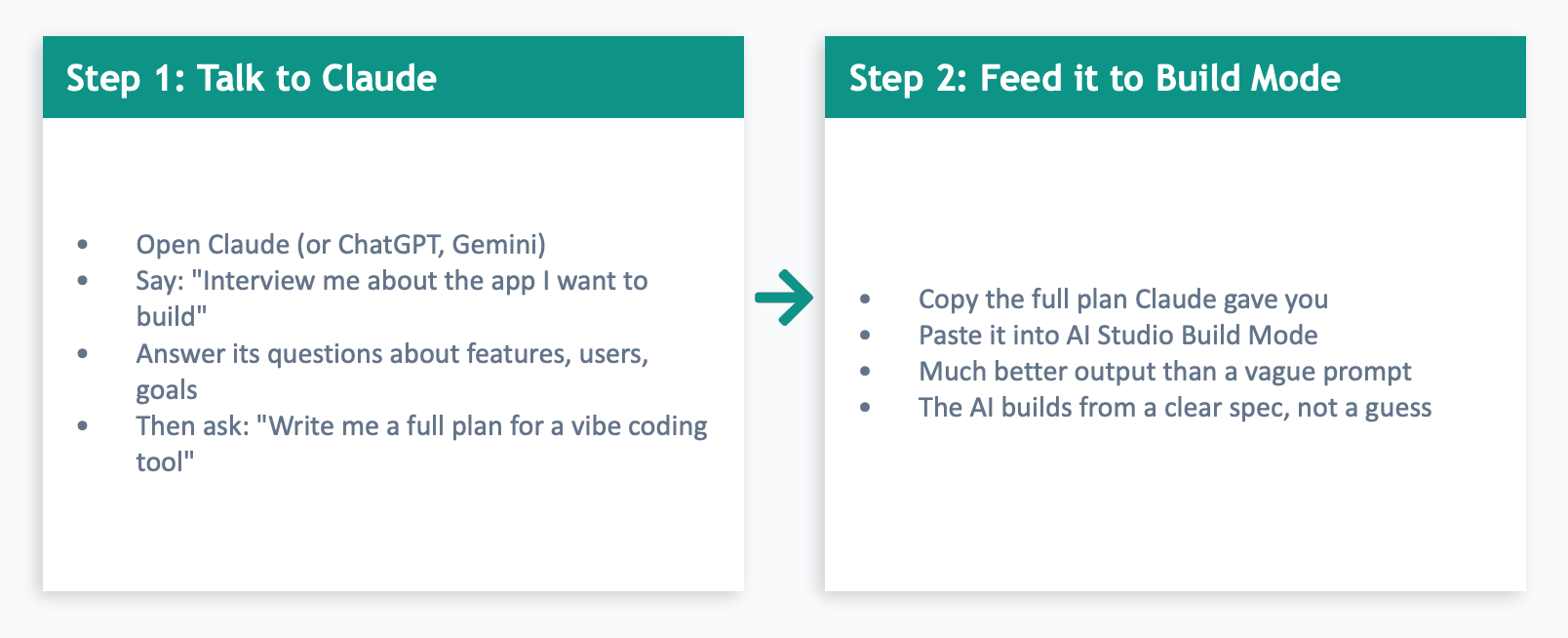
I built a second tool live on stream using this method - a "What Should I Automate First?" prioritiser that asks about your daily tasks, rates them on time spent and how much you hate doing them, then spits out a ranked automation plan. It actually surfaced some genuinely useful automation ideas for my own business that I hadn't thought of.
What we deliberately ignored:
Authentication (user logins, passwords, OAuth), backend and databases (storing data, APIs), and deployment (putting it live on the internet). All important. All learnable. But not needed for your first build. Don't let the complicated stuff stop you from starting. You'll get there naturally as your projects grow. Plenty of time!
Here’s a PDF guide with a step by step for all this:
And the slide deck from the presentation:
OK! Barriers removed! Off you go! Look forward to seeing what you build!
Kyle